Since the recent explosion of very bespoke software since I set up the fleet, there are a few patterns I've realised work much better for my brain. Chief among them is: mark as read should be an explicit action.
By that I mean, apps that track unread state should not mark an item as read as a side effect of me opening it. It should require a second, explicit action to mark something as read. This could be a button at the bottom of an article, or replying to an email, but never implicit from navigating through the app.
I've been working on an RSS client called Dripfeed with a rarity weighted algorithm. The scaling on my algorithm means that infrequent feeds are very strongly boosted. As a byproduct, articles would stick around at the top of my main feed for months months after I've read them simply because their feeds were infrequent. To mitigate this I set the app to hide articles after I read them. This helped, but meant when I opened a post it would be immediately banished from the top of my feed to the archive. If I didn't read the whole article then and there it would be very hard to go down and find them in the shadow realm later, if I even remember the article exists.
To combat that I made a mode that required explicit toggling of unread state. This ended up being so pleasant that I'm now grafting it onto all my other software. I'm the kind of person where many articles and emails and messages slip through the cracks if I don't action them immediately. Forcing unread state to be managed manually has helped this greatly. I have been calling the pattern explicit reading.
Explicit reading turns every app into a todo list. I have found work email much easier to deal with since adding explicit reading toggles to my custom mail client, leaving them as unread until I've actually replied or actioned them.
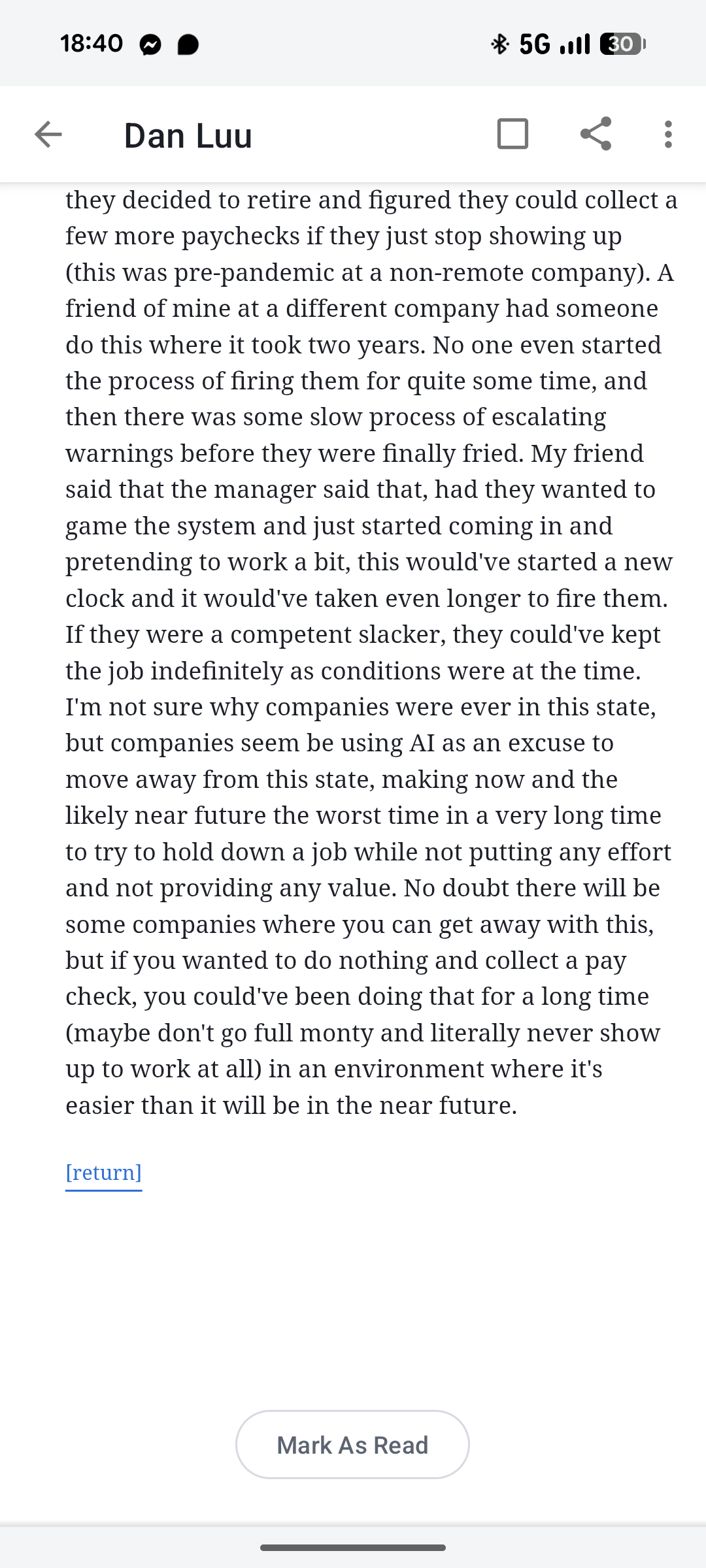
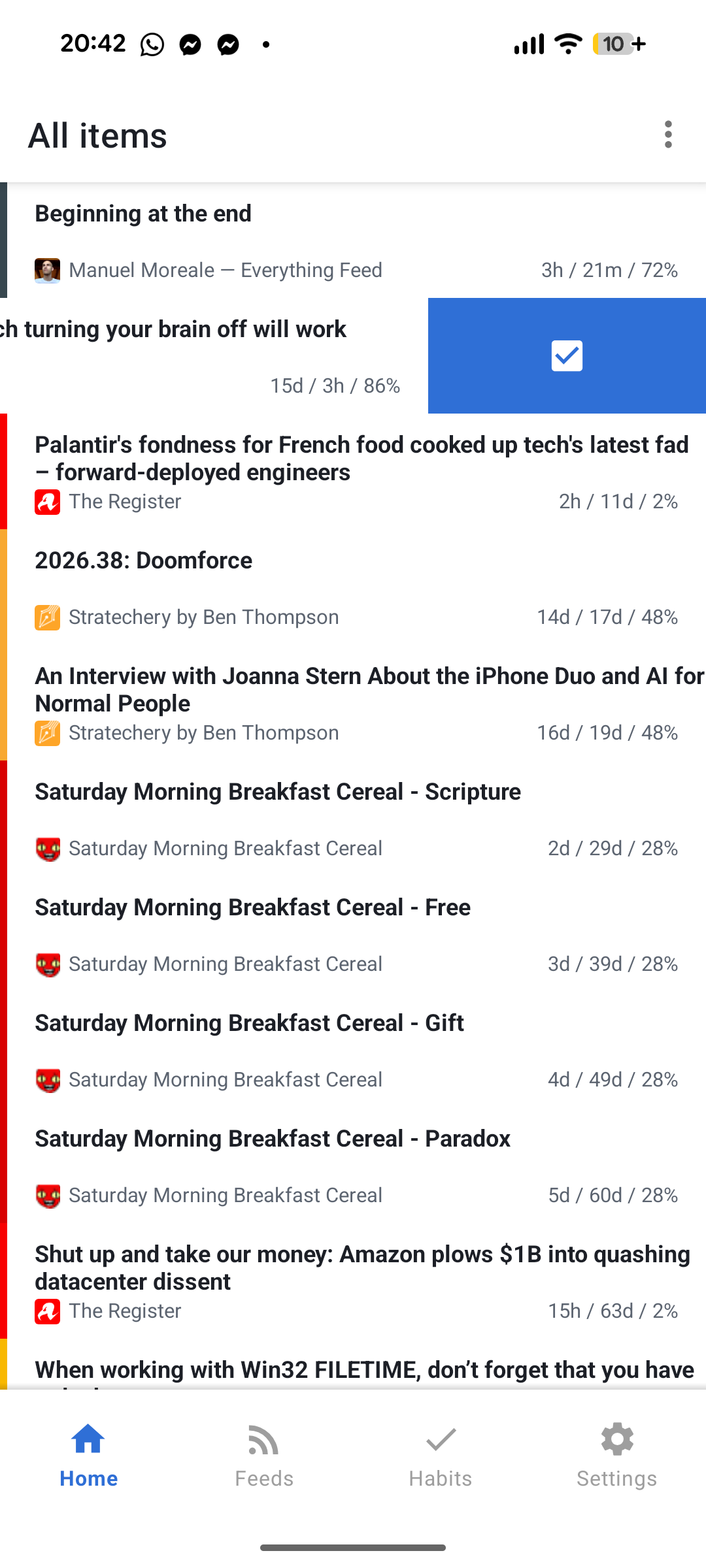
Something important about this pattern is giving multiple ways to toggle the read state. In the Android version of Dripfeed there are 3 ways to mark something as read:
- a read state toggle in the action bar of each article
- a button at the bottom of each article that marks as read and returns the user to the feed
- swiping a feed item to the left toggles read state
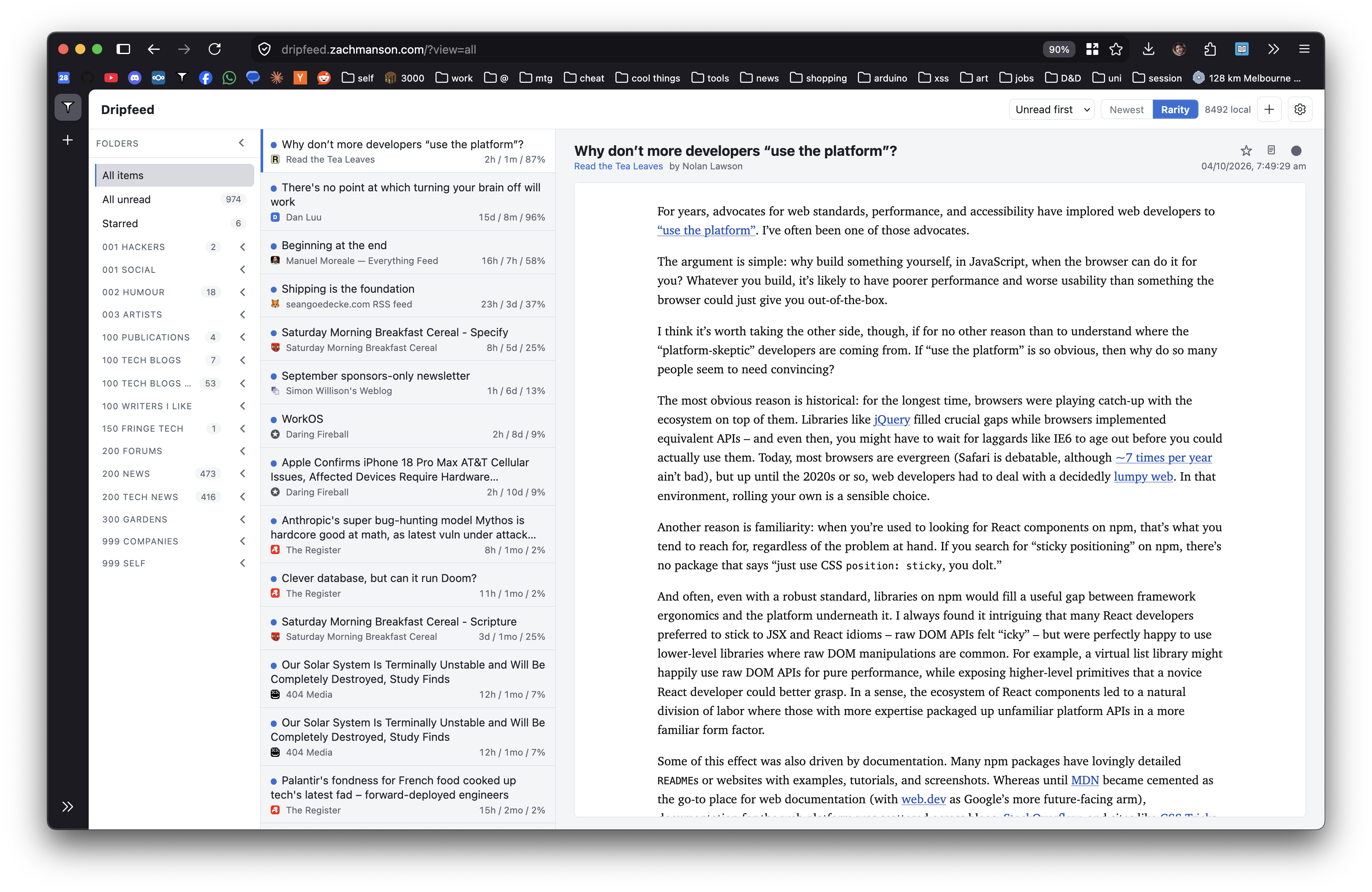
I've implemented explicit reading in two web apps -- Dripfeed Web and Chainmail -- both with the same two ways of marking items as read:
- a circle button at the top right of an open email/article
- double clicking an item in the left panel in a feed/mailbox
I wish dearly that Slack had this as an option. Since I've been on this kick of custom clients for any service that bothers me1, every day I resist looking into the logistics of building a custom Slack client.
-
In the last 2 months I've worked on custom clients for GitHub Issues (Emissions), Jira (Jiracule), XMPP (forks of Conversations and Fluux), Nextcloud News (Dripfeed, web and mobile), Gmail+GCal MCP (Docket), and Gmail (Chainmail). Some of these were due to poor performance in the official app and others due to wanting specific UX tweaks. ↩